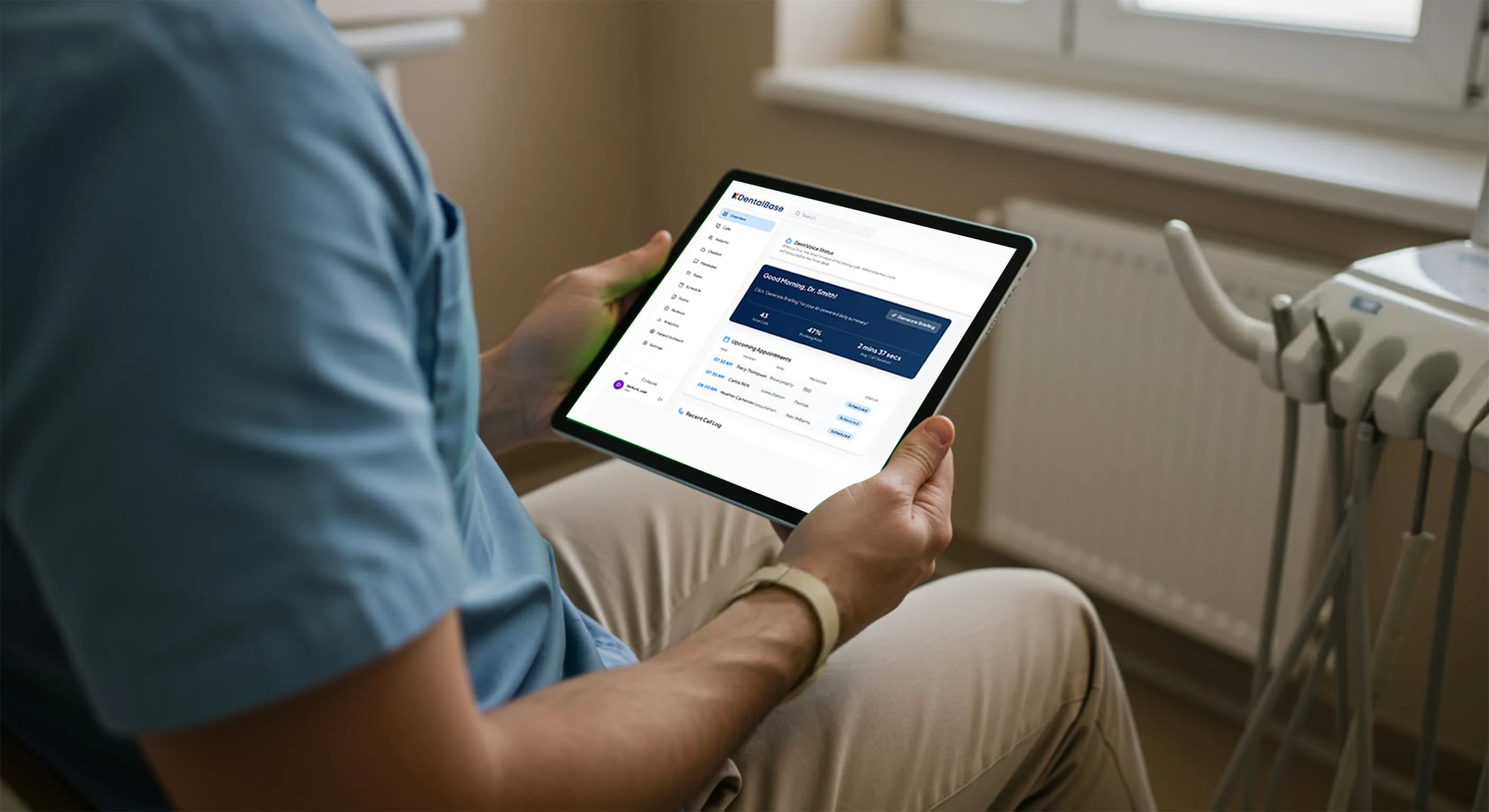
Automated Dental Appointment Confirmations Tools
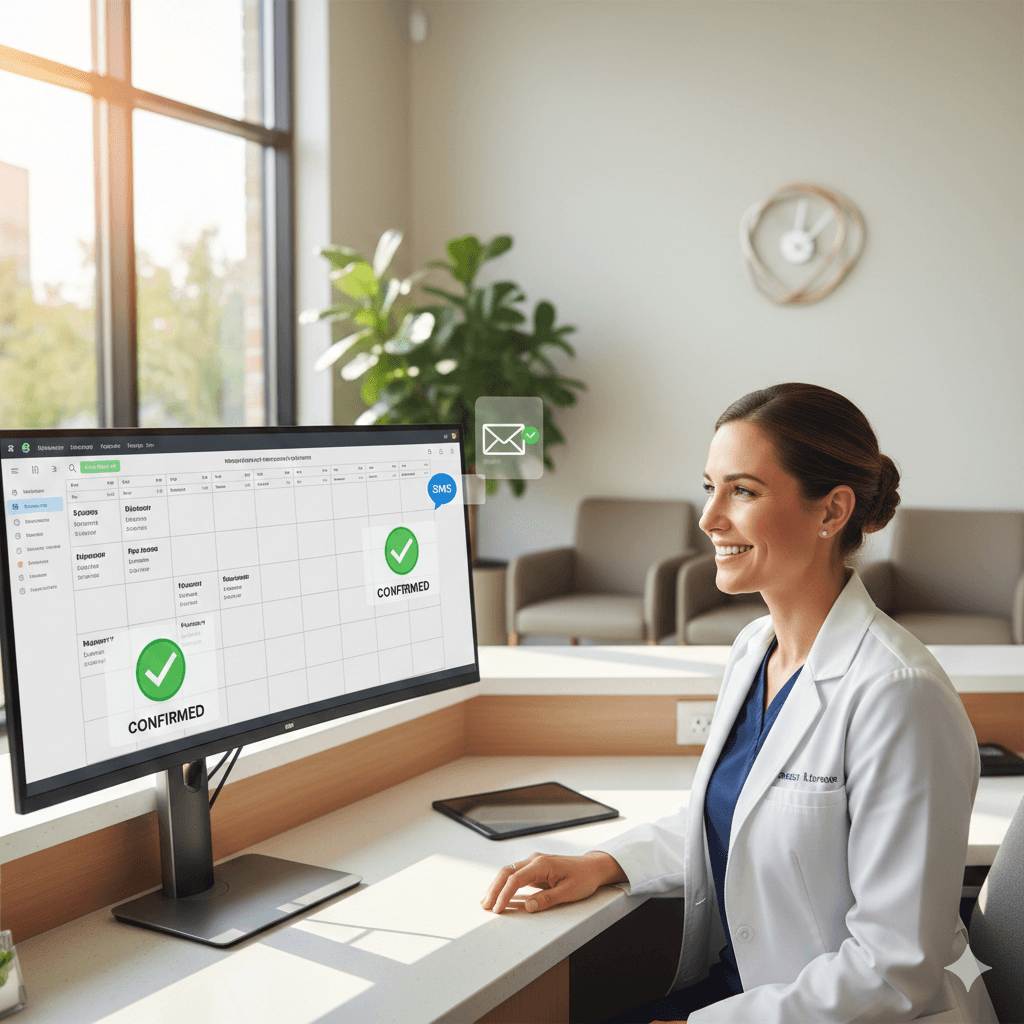
Discover how automated dental appointment confirmations reduce no-shows, improve patient communication, and support your dental front desk team's workflow.
Share:
Table of contents
Introduction
Missed appointments cost dental practices an average of $200 per no-show. These absences create revenue gaps and operational strain. To address this persistent issue and support front desk teams with more efficient workflows, many modern practices are adopting automated appointment confirmation systems.
As practices grow, manual confirmation becomes increasingly difficult to manage. Front desk staff can spend hours making confirmation calls, sending texts, and tracking responses. Automated systems don’t replace team members; they handle routine confirmation tasks so staff can focus on higher-value patient interactions.
Automated dental appointment confirmations also help practices reduce no-shows while maintaining the personal touch patients expect. When integrated with practice management software, these tools send timely, HIPAA-conscious reminders through patients’ preferred channels.
What Are Automated Dental Appointment Confirmations?
Core Definition and Purpose
Automated dental appointment confirmations are software-driven systems that send pre-scheduled reminders to patients about upcoming dental appointments without manual staff intervention.
These systems integrate with practice management software to pull appointment data and deliver messages via SMS, email, or voice calls. Reminders are typically sent at set intervals, often 48 and 24 hours before the visit.
Their purpose goes beyond reminders. Automated systems can collect patient responses, track confirmation rates, and provide real-time appointment status visibility. When patients confirm, reschedule, or cancel through automated replies, the appointment status updates in the practice management system, keeping the team informed without added workload.
How They Differ From Manual Processes
Traditional confirmation processes require staff to review schedules, make individual calls, and manually record responses. This approach is time-intensive and more prone to human error, especially during busy periods or staffing shortages.
Automated systems streamline these steps while improving consistency. They deliver standardized messaging, reduce the chance of missed reminders, and help avoid bottlenecks during peak times. Most platforms also include escalation protocols: if a patient doesn’t respond, the system flags the appointment for personal follow-up. This blends automation with a human touch when needed.
Benefits for Dental Practices and Patients
Operational Benefits for Practices
1) Fewer missed appointments
Practices that implement automated confirmations commonly report no-show reductions of 15–30%, improving revenue stability and schedule efficiency. With fewer missed appointments, practices may reduce reliance on overbooking strategies that contribute to longer wait times and patient dissatisfaction.
2) A calmer, more productive front desk
Automation can also improve staff productivity and job satisfaction. When routine confirmation work is reduced, front desk teams can focus on higher-impact tasks such as insurance verification, treatment coordination, and patient support.
3) Cost Savings
Cost savings often become visible quickly as time previously spent on manual confirmations is redirected to revenue-supporting activities like treatment plan discussions, insurance pre-authorizations, and new patient onboarding.
Convenience and Clarity for Patients
1) Convenient, Modern Communication
Patients tend to value automated confirmations because they offer convenient, non-intrusive reminders aligned with modern communication habits. SMS confirmations, in particular, allow quick responses without phone tag or waiting on hold during office hours.
2) Clear, Consistent Appointment Details
Consistent messaging also reduces confusion about appointment details. Confirmations typically include essentials such as date, time, and location, along with general instructions.
3) Flexible Scheduling Options
Many systems allow patients to reschedule or cancel via the same channel, improving flexibility, often outside normal business hours.
Confirmation Methods and Communication Channels
SMS, Email, and Voice Calls
SMS text messaging is often the highest-performing channel for confirmations, with many practices reporting very high response rates. Messages are immediate and easy to act on using simple reply prompts (for example, “Reply 1 to confirm” or “Reply 2 to reschedule”).
Email confirmations can provide more comprehensive information, such as policies, preparation instructions, and links to patient portals. This channel is especially useful for procedures that require specific preparation or for practices that want to include educational material.
Automated voice calls support patients who prefer traditional phone communication, including older adults and those less comfortable with texting. Modern systems use natural-sounding recordings and capture responses through keypad inputs.
Channel Comparison Table
| Communication Channel | Response Rate | Best Use Case | Patient Preference |
|---|---|---|---|
| SMS Text | 85-95% | Quick confirmations | Ages 18-65 |
| 60-75% | Detailed instructions | Professional patients | |
| Voice Call | 70-80% | Complex procedures | Ages 55+ |
Successful practices often implement multi-channel strategies, allowing patients to choose their preferred communication method during initial registration and adjusting based on response patterns over time.
How Automation Fits Into Dental Front Desk Workflows
Integration With Practice Management Software
Automated dental appointment confirmation platforms can integrate with leading practice management systems (for example, Dentrix, Eaglesoft, and Open Dental) through secure connections. Integration helps ensure appointment data flows from the scheduling system to the confirmation platform without manual entry or duplicate records.
In many setups, integration is bidirectional: when patients confirm, reschedule, or cancel through automated messages, their responses update appointment status in the practice management system. This improves schedule accuracy, reduces the risk of double-booking, and supports thorough communication documentation.
More advanced integrations can trigger related workflows, such as sending pre-appointment forms to confirmed patients or delivering preparation instructions based on procedure codes. With these features, automated confirmations evolve from a reminder tool into a broader patient communication system.
Staff Oversight and Human Touchpoints
Effective automation still requires staff oversight and clear escalation rules. Front desk team members can monitor confirmation dashboards to identify patients who haven’t responded, enabling targeted outreach when appropriate.
Training should clarify when to intervene, such as for complex treatment plans, anxious patients, or appointments needing special coordination. Automation handles standard confirmations, while staff preserves the human element in situations that require empathy, detailed explanations, or personalized support.
Compliance, Consent, and HIPAA Considerations
HIPAA-Safe Messaging Practices
Automated confirmations must align with HIPAA privacy requirements while still providing useful scheduling information. Compliant messages typically include appointment date and time, but avoid procedure names, diagnoses, or other protected health information in the initial message.
HIPAA-conscious messaging uses neutral language such as “You have a dental appointment scheduled.” If patients need detailed instructions, compliant systems may direct them to secure patient portals or prompt them to contact the office.
Secure platforms also support privacy through encryption, access controls, and audit trails, helping protect patient data while enabling efficient communication.
Patient Consent and Opt-Out Rules
Text messaging and automated communications require appropriate patient consent. Practices should obtain explicit written consent before sending SMS confirmations and provide clear opt-out instructions in each message.
Consent language should describe the types of messages patients will receive, expected frequency, and the ability to opt out at any time without affecting care. Many practices collect consent during new patient intake and confirm preferences during periodic updates.
Opt-out requests should be honored promptly, with communication preferences updated in the practice management system. Patients who opt out can be routed to manual calls or alternative methods based on practice policy.
Real-World Scenarios: Automated Confirmations in Action
Busy Multi-Provider Practice
A five-doctor dental practice with three hygienists previously spent 4-6 hours daily on manual confirmation calls, often struggling to reach all patients before appointment times. After implementingautomated dental appointment confirmations, their no-show rate dropped from 22% to 12%, significantly improving schedule efficiency and revenue.
The practice configured different message templates for routine cleanings versus complex procedures, ensuring patients receive appropriate information for their appointment type. Hygiene appointments receive standard confirmation messages, while surgical procedures trigger detailed preparation instructions and personal follow-up calls from clinical staff.
Staff members now focus their phone time on unconfirmed appointments, insurance verifications, and treatment plan discussions rather than routine confirmations. The practice reports improved team morale, as staff feel more productive and can provide better patient service when they're not overwhelmed by repetitive confirmation tasks.
Small Practice With Limited Staff
A two-provider practice with one front desk team member struggled to manage confirmation calls during busy periods, leading to inconsistent patient outreach and higher no-show rates. Automated dental appointment confirmations provided immediate relief by handling routine confirmations consistently regardless of office activity levels.
The system's reporting features helped the small practice identify communication patterns. They discovered that Tuesday morning appointments had higher no-show rates and adjusted their confirmation timing accordingly. Weekend confirmation messages for Monday appointments significantly improved attendance rates.
During staff vacations or sick days, the automated system ensures appointment confirmations continue seamlessly. The practice owner reports reduced stress about staffing coverage, knowing that essential patient communications continue automatically even when the office is short-staffed.
AI Receptionists: The Next Step Beyond Basic Confirmations
Automated dental appointment confirmations handle scheduled outreach (for example, a text 48 hours before an appointment). An AI receptionist extends this capability by managing two-way communication, so patients can confirm, reschedule, ask questions, and resolve common issues without waiting for a staff member to respond.
What an AI Receptionist Is and How It Relates to Confirmations
An AI receptionist is a software agent that can communicate with patients through phone, SMS, web chat, and email using natural-language conversations. In the context of appointment confirmations, it doesn’t just send a reminder; it can complete the confirmation workflow end-to-end:
-
Understands free-text replies (not just “Reply 1 to confirm”) such as: “I need to reschedule for next week.”
-
Handles inbound calls triggered by reminders, such as “What time is my appointment?” or “Do I need to fast?”
-
Guides patients through next steps (reschedule options, cancellation policy reminders, directions/parking, forms) based on practice rules.
How It Fits Into Front Desk Workflows
AI receptionists work best as a layer on top of your automated confirmation system and practice management software:
-
Outbound reminders go out as usual
The practice sends standard SMS/email/voice reminders. -
AI handles the conversation when patients respond
It can confirm, propose new time slots (based on scheduling rules), and answer common questions. -
Escalation happens only when needed
If the request is complex, such as multi-appointment cases, anxious patients, clinical questions, or insurance discussions, the AI flags it for staff follow-up.
This approach keeps the front desk in control while reducing the number of routine back-and-forth interactions that consume phone time.
Measuring Success: Key Performance Indicators for Automated Confirmations
To evaluate the effectiveness of automated confirmations, track metrics tied directly to efficiency and patient satisfaction:
-
Confirmation response rate: A strong target is 70–80% within 24 hours of sending reminders. High-performing practices may exceed 85% by optimizing timing, messaging, and delivery channels.
-
No-show reduction percentage: Successful implementations often observe 20–40% fewer missed appointments. To estimate financial impact, multiply the average appointment value by the number of no-shows prevented each month.
-
Channel performance and patient engagement: Track which channels generate the highest response rates and which timing works best by demographic group. Many practices find that younger patients respond best to SMS sent 48 hours in advance, while older patients may respond better to calls closer to the appointment.
-
Staff time savings: Compare the time spent on confirmations before and after implementation. Many practices report 15–20 hours per week saved, allowing staff to focus on higher-value patient care and practice growth.
Conclusion
Automated dental appointment confirmations represent a strategic investment in practice efficiency and patient satisfaction rather than a replacement for personal patient care. These systems excel at handling routine communication tasks, allowing dental teams to focus their expertise on complex patient needs and relationship building.
The evidence is clear: practices implementing automated confirmation systems see measurable improvements in no-show rates, staff productivity, and patient satisfaction scores. The technology pays for itself through reduced missed appointments while improving overall practice operations.
Successful implementation requires careful attention to HIPAA compliance, patient consent processes, and staff training on system oversight. Practices should evaluate their current confirmation processes, identify pain points, and select automation solutions that integrate seamlessly with existing practice management software.
The future of dental practice management lies in thoughtful technology adoption that enhances human capabilities rather than replacing them. Automated dental appointment confirmations exemplify this approach by handling repetitive tasks efficiently while preserving the personal relationships that define exceptional dental care.
Ready to explore how automated confirmation systems can benefit your practice? Start by reviewing your current no-show rates and calculating the potential revenue impact of a 15-20% improvement in appointment attendance.
Frequently Asked Questions
Automated dental appointment confirmations work by integrating with practice management software to automatically send reminders via SMS, email, or phone calls. The system pulls appointment data and sends personalized messages at predetermined intervals, typically 48-72 hours before appointments. Patients can confirm, reschedule, or cancel directly through response options, with updates automatically syncing back to the practice management system.
Yes, automated appointment confirmations can be HIPAA compliant when properly configured. The system must use encrypted communication channels, limit information shared in messages to appointment basics, obtain patient consent for automated communications, and include secure vendor agreements. Messages should avoid detailed medical information and provide opt-out options while maintaining audit trails of all communications.
Most patients appreciate automated dental reminders when they're well-designed and respectful. Studies show patients prefer timely, personalized messages that offer convenient response options. Key factors for patient satisfaction include clear messaging, appropriate timing, multiple communication channels, and easy opt-out capabilities. Patients particularly value the ability to confirm or reschedule appointments without calling the office.
Implementation usually begins with integrating the system into your existing Practice Management Software (PMS). Next, your team will customize message templates for different appointment types and set up communication schedules (e.g., 48-hour and 24-hour reminders). The final steps involve brief staff training on how to monitor the confirmation dashboard and manage any exceptions, followed by a go-live launch to start sending automated messages to patients.
The cost of automated confirmation systems varies, but most operate on a monthly subscription model, often priced per provider or based on the number of messages sent. Prices can range from around $50 to over $300 per month. While there's a recurring cost, practices typically see a strong return on investment (ROI) through significantly reduced no-show rates and reclaimed staff time previously spent on manual calls.
Was this article helpful?
Written by
DentalBase Team
Expert dental industry content from the DentalBase team. We provide insights on practice management, marketing, compliance, and growth strategies for dental professionals.